
Products
What the studio is building.
Five products of our own, one client site, and a free tool we shipped. Each one has its page, its stage and its log.
Why does a marketing consultancy build its own products?
Because the quickest way to learn what a build really costs, and where it goes wrong, is to pay for one yourself. Every product here goes through the same seven stages we use for client work, so what you see on these pages is the method, not a showreel.
What does the bar under each product mean?
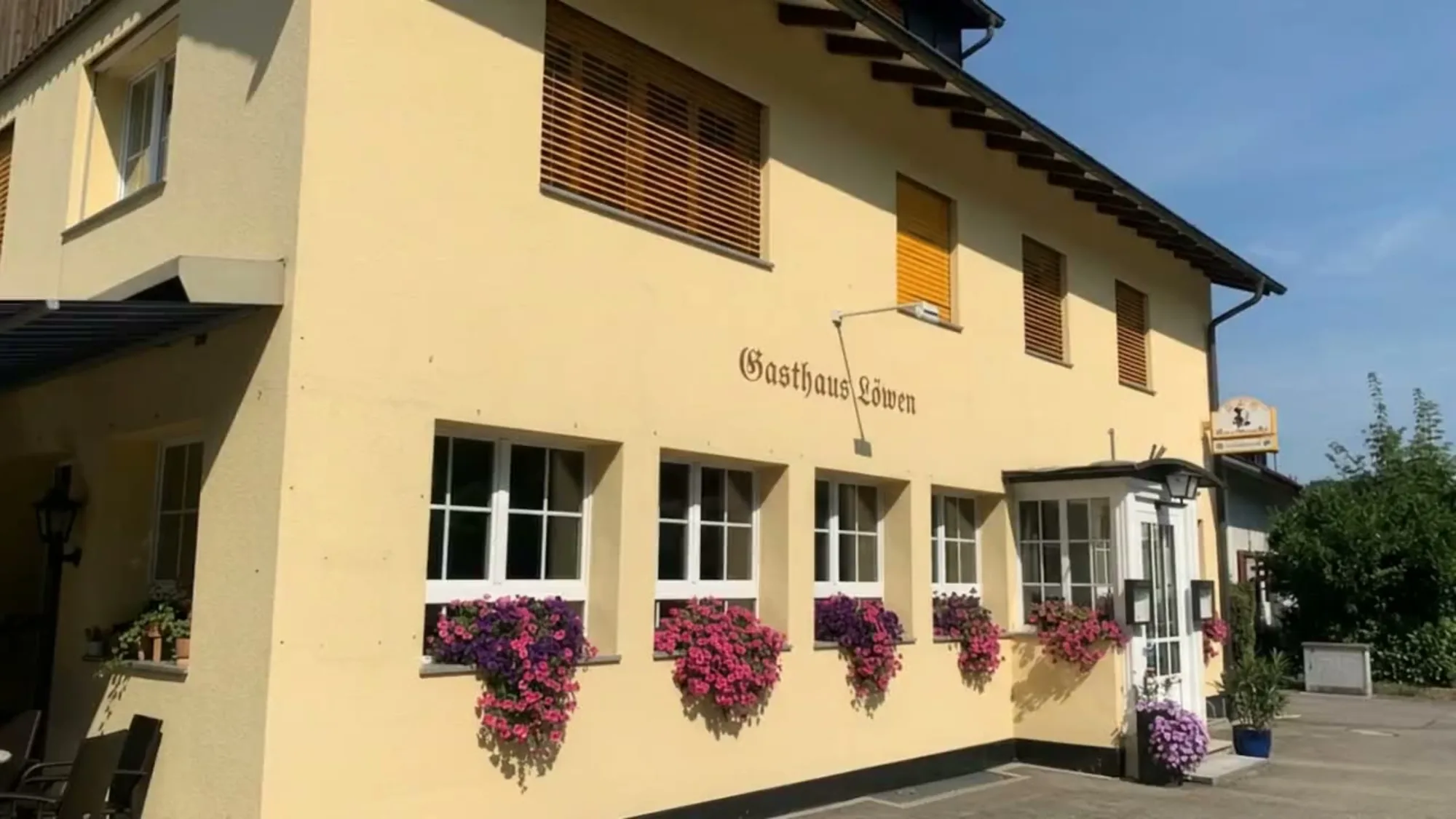
It is the stage the product is in this week, from pitch to live. Some are still on the drawing board, one runs the studio every day, and one is a village inn's website that is already live.
- Pitch
- Documents
- Screen board
- Build
- Audit
- Launch
- Live
Launch
- Pitch
- Documents
- Screen board
- Build
- Audit
- Launch
- Live
Build
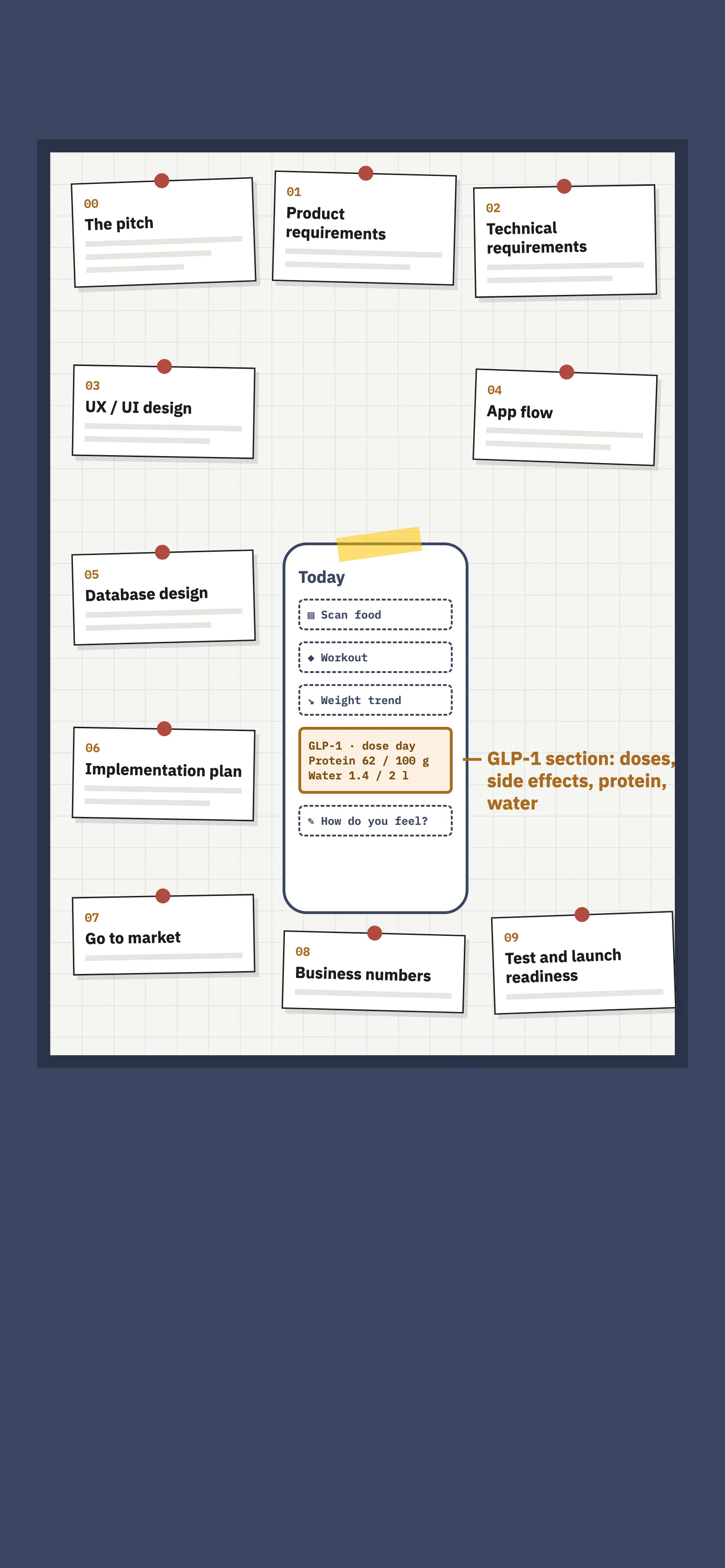
03 · Product
Tua Bao
Food, training and weight in one calm tracker, with a section for GLP-1 medicines.
On the drawing board
- Pitch
- Documents
- Screen board
- Build
- Audit
- Launch
- Live
Screen board
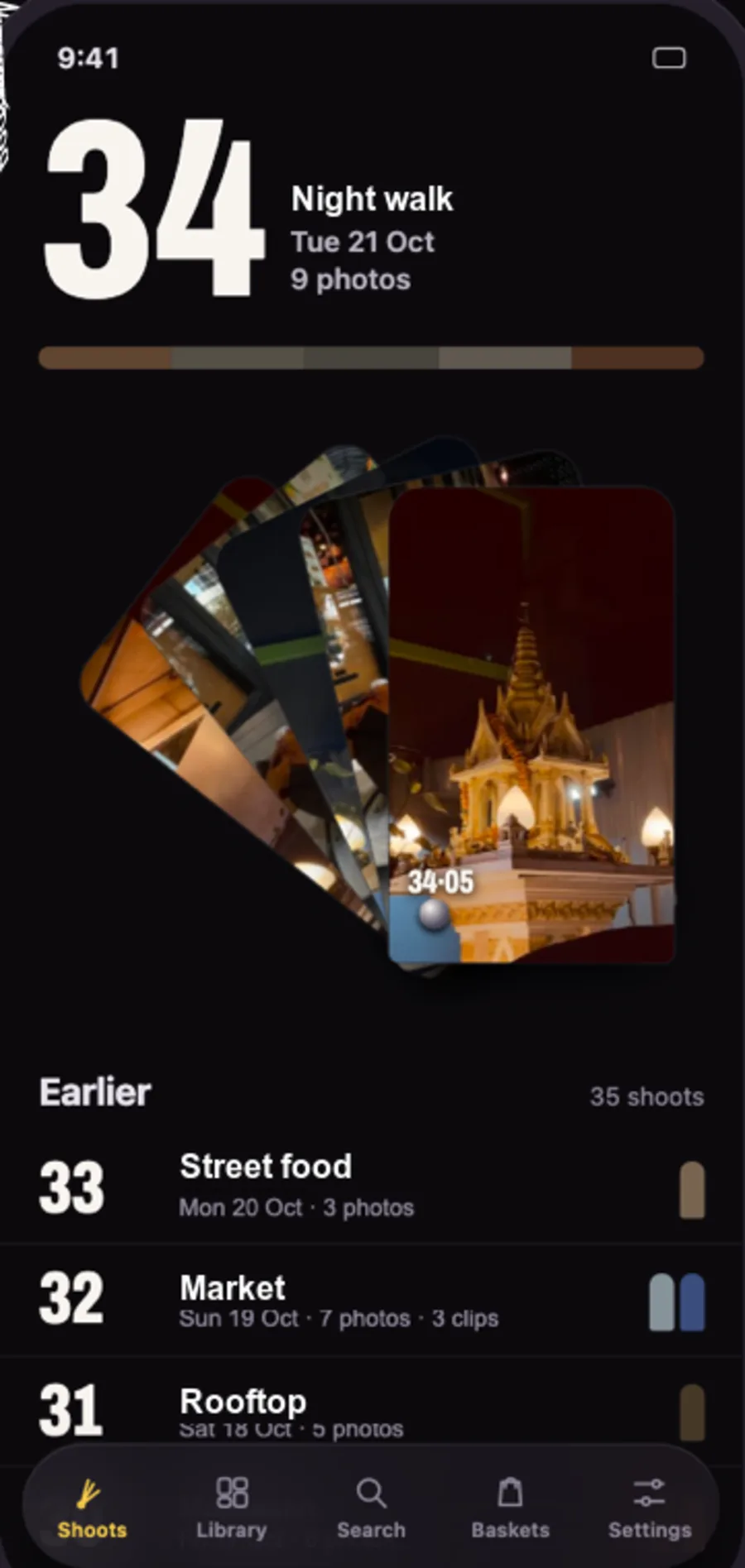
04 · Product
Kepsu
Every clip from every camera, in one place, named for what's in it.
In use here daily
- Pitch
- Documents
- Screen board
- Build
- Audit
- Launch
- Live
Documents
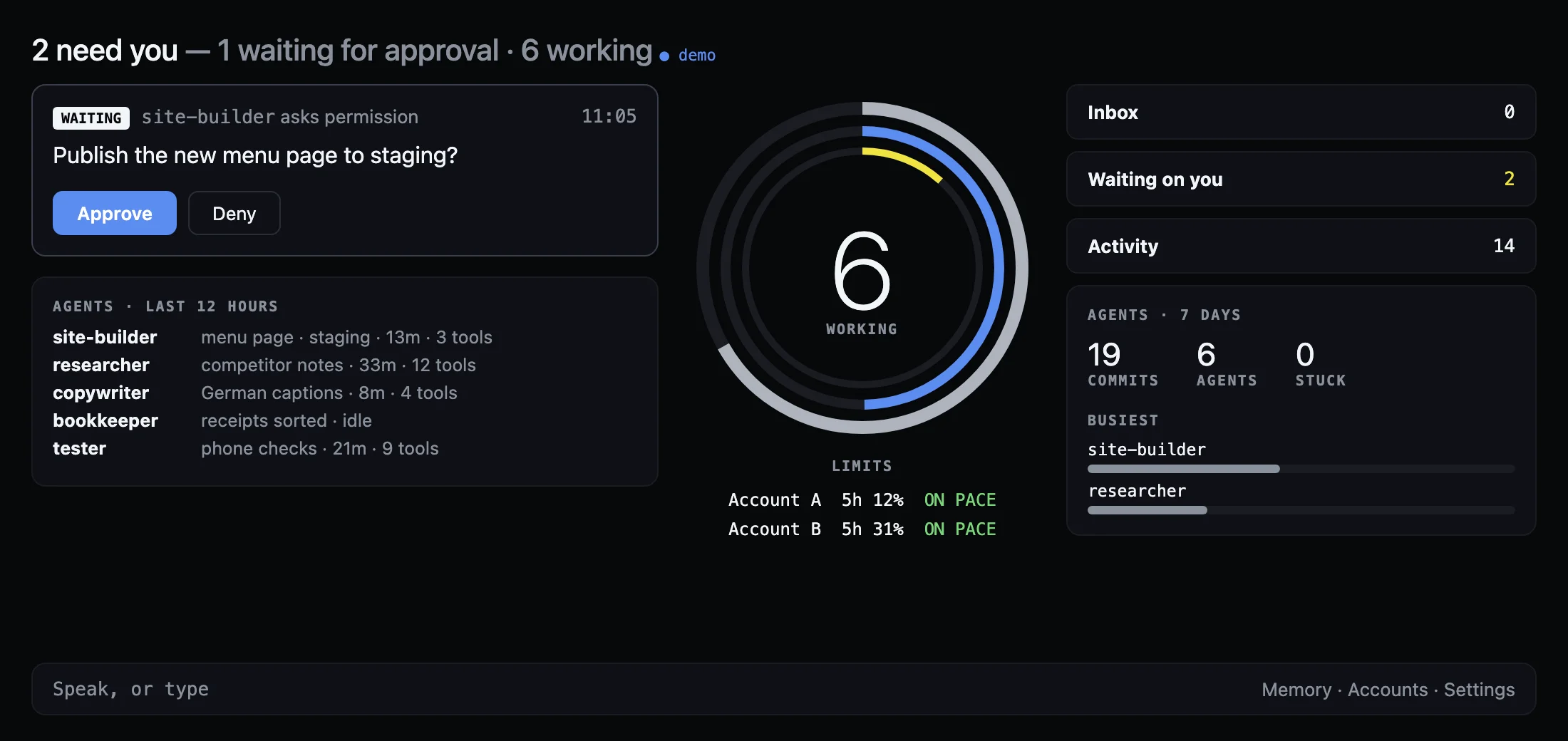
05 · In-house tool
Hamdoi
One screen for every AI agent we run, each on the account it belongs to.
Runs the studio
- Pitch
- Documents
- Screen board
- Build
- Audit
- Launch
- Live
Live
- Pitch
- Documents
- Screen board
- Build
- Audit
- Launch
- Live
Live